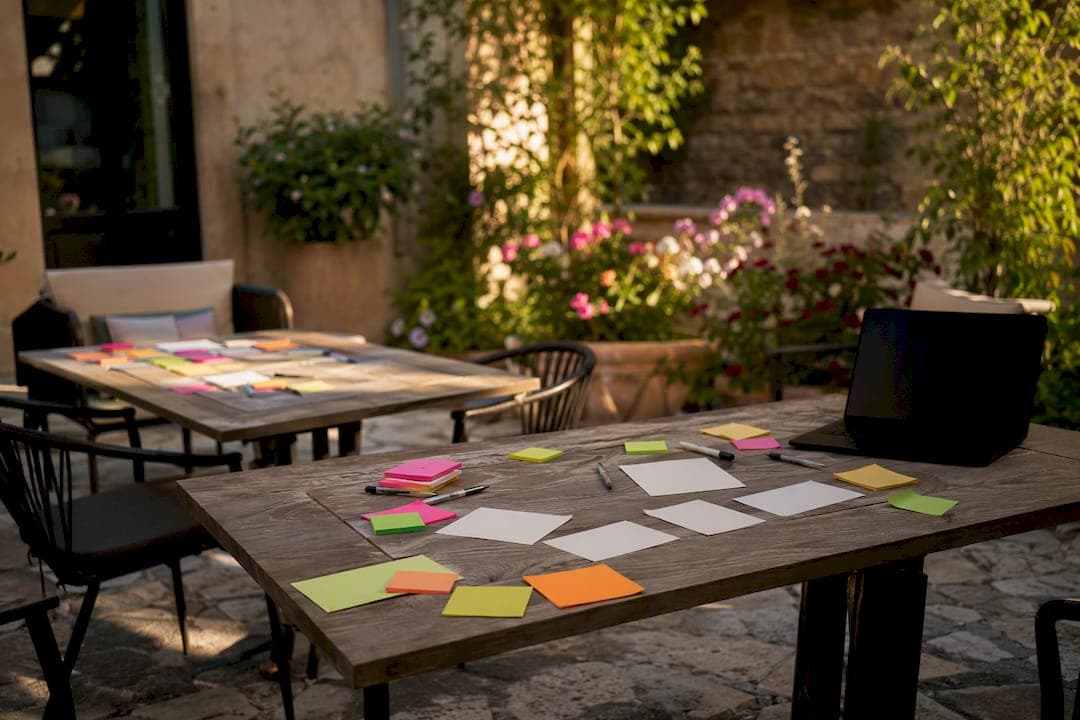
An app discovery workshop is a short, focused series of facilitated sessions that align stakeholders, surface hidden assumptions and produce a validated roadmap. Done well, it delivers a prioritised backlog, scope for a minimum viable product (MVP), a rough cost estimate and clear next steps. At Pocketapp, we treat assumption mapping as the backbone of every session, because it's the fastest way to expose the risky guesses hiding inside a brief.
What you walk away with, typically:
- A prioritised backlog covering the features that matter most
- A defined MVP scope, not a wish list
- A rough estimate you can take to a budget conversation
- A clear set of next steps and named owners
Key Takeaways
An effective app discovery workshop combines a timed agenda, targeted exercises like assumption mapping, and a clear decision maker to produce a validated MVP scope and roadmap.
| Point | Details |
|---|---|
| Discovery comes before scope | Run it when the project is new, pivoting, or facing unclear users, not for routine feature work. |
| Invite a real decision maker | Sessions without someone who can say yes tend to produce opinions rather than agreed outputs. |
| Timebox every exercise | A single-day agenda covering problem framing through MVP scoping keeps discussion decision-focused. |
| Convert outputs within a week | Turn the backlog and assumption log into tickets and a research plan while detail is fresh. |
| Pocketapp runs discovery as standard | Its workshops produce a backlog, MVP scope and feasibility notes ahead of a scoped development quote. |
Table of Contents
- What is an app discovery workshop, and how does it differ from a kick-off?
- Why run a discovery workshop: objectives and measurable benefits
- When should you run a discovery workshop?
- A ready-to-use, timed agenda you can copy
- Which exercises actually produce useful outputs?
- What should you prepare, and who should attend?
- What deliverables should come out of a discovery workshop?
- Which tools and templates should you use?
- How does Pocketapp run discovery workshops?
- Practical checklist for the day
- Ready to brief Pocketapp for your discovery workshop?
- Sources
- FAQ
What is an app discovery workshop, and how does it differ from a kick-off?
A discovery workshop is a structured session (or set of sessions) where stakeholders, users and technical leads work together to align on the problem, test assumptions, and agree what the app should actually do before anyone writes a line of code. Its main goal is to reconcile three things that rarely start out aligned: what the business wants, what users need, and what's technically realistic on the budget available.
It's easy to confuse discovery with other early-project rituals. A sprint kick-off assumes the scope is already fixed and simply organises the first two weeks of work. A design sprint (the Google Ventures format) is narrower still, usually solving one specific interaction problem over five days. Discovery comes earlier than both. It questions the brief itself.
The single biggest cause of app project overspend isn't bad code. It's building the wrong thing efficiently.
Skip discovery for small tweaks or routine feature additions where the scope, users and technical path are already well understood. Running a full workshop to add a password reset flow wastes everyone's afternoon.
Why run a discovery workshop: objectives and measurable benefits
The core objectives are straightforward: clarify the value proposition, map real user journeys, test the assumptions everyone's been quietly making, scope an MVP, and shrink the uncertainty in any estimate that follows.
The practical payoff shows up later in the project, not during the workshop itself:
- Faster stakeholder sign-off, because decisions were made with everyone in the room rather than relayed through email chains
- Fewer rework cycles once development starts, since ambiguous requirements were resolved upfront
- Estimates that hold up better against reality, because they're built on a scoped MVP rather than a vague feature list
- A shared understanding across product, design and technical teams that survives staff changes and long build cycles
Pro Tip: If a stakeholder can't articulate what "success" looks like for the app in one sentence by the end of the workshop, the workshop isn't finished yet.
Practitioners running discovery kick-offs commonly report that a question-led format, where the facilitator interrogates assumptions rather than accepting them, produces a much more balanced set of attendee decisions than a presentation-style session.
When should you run a discovery workshop?
Run one when you're building something genuinely new, pivoting an existing product, integrating with complex third-party systems, navigating regulatory uncertainty, or when nobody in the room can confidently describe the target user. Any one of those is reason enough.
A half-day session is often sufficient for a straightforward app with a known user base and modest integration needs. Complex, multi-stakeholder projects, particularly those spanning healthcare, financial services or multi-market retail, usually need two full days.
Agree the success criteria before the session starts, not after. Decisions made, assumptions tested, MVP scope defined: those three things are your scorecard.
A ready-to-use, timed agenda you can copy
Below is a single-day template built around the exercises that consistently produce decisions rather than discussion. A two-day version simply splits the "explore" and "define" halves across separate days, adding a research or validation break overnight.
| Time slot | Activity | Output |
|---|---|---|
| — | Introductions and context setting | Shared understanding of why everyone's there |
| — | Problem framing and goals | Agreed problem statement |
| — | User mapping and journeys | Draft user journey maps |
| — | Assumption mapping | Ranked list of risky assumptions |
| — | Feature ideation and sketching | Rough concept sketches |
| — | Prioritisation (MoSCoW or weighted scoring) | Ranked feature list |
| — | MVP scoping | Draft MVP definition |
| — | Next steps and ownership | Action list with named owners |
This structure follows the pattern used in most published discovery templates, which pair a template agenda with a fixed exercise list and a clear deliverables section, as airfocus's guide sets out.
Pro Tip: Running this remotely? Keep breakout groups under five people, ask everyone to keep cameras on during the assumption mapping exercise specifically (it's where people hide), and appoint a dedicated tech host separate from the facilitator so technical hiccups don't derail the session.
Which exercises actually produce useful outputs?
Not every exercise earns its place on the agenda. These seven consistently do.
- Problem framing (20 minutes): the group writes a single problem statement on a shared board. Output: one sentence everyone agrees on, which anchors every later decision.
- Personas (30 minutes): quick sketches of two or three user types, built from existing data rather than guesswork where possible. Output: named personas the team can reference by name for the rest of the project.
- User journey mapping (45 minutes): walk through a user's current experience step by step, marking pain points. Output: a visual map showing exactly where the app needs to intervene.
- Assumption mapping (60 minutes): list every assumption the team is making, then plot each on a grid of importance versus confidence. Output: a ranked list of what needs testing before you build.
- Prioritisation (60 minutes): score features using MoSCoW or a weighted scoring model against effort and impact. Output: a ranked backlog, not a flat list.
- Rapid sketching (30 minutes): pen-and-paper or Figma sketches of the top three prioritised features. Output: a visual starting point for the design phase.
- MVP scoping (45 minutes): agree what ships in version one versus what waits. Output: a defined MVP boundary.
Keep a scribe dedicated to capturing outputs on a separate document throughout, not just at the end, and rotate who speaks first in each exercise so the loudest voice in the room doesn't set the direction by default.
What should you prepare, and who should attend?
Send pre-work at least three working days before the session: a short research brief, any existing data or analytics summary, a list of key questions the workshop needs to answer, and an RSVP request confirming attendance.
Invite a product owner who can make binding decisions, a technical lead who understands feasibility constraints, a genuine user representative (not a proxy), a design lead, and someone from finance or procurement if budget sign-off matters. Critically, include one person with actual authority to say yes.
A discovery session with no decision maker in the room produces opinions, not decisions. Everything gets deferred to a follow-up meeting that never quite happens.
Confirm your tooling (a board like Miro, a prototyping tool like Figma), assign a scribe and facilitator who are different people, and test video links the day before if running remotely.
What deliverables should come out of a discovery workshop?
The workshop itself is only half the job. What happens in the following week determines whether the outputs turn into a real project.
- A prioritised backlog, ranked and ready for sprint planning
- A defined MVP scope with clear in/out boundaries
- An assumption log listing what's been validated and what still needs testing
- High-level technical feasibility notes flagging any integration risks
- A draft roadmap sequencing the MVP and near-term releases
Assign someone, usually the product owner, to convert these into tickets within a week, while the detail is still fresh. Assumptions flagged as unvalidated should go straight into a short user research plan rather than being quietly assumed true. The MVP scope then feeds directly into a formal MVP build plan or a request for a detailed development estimate.
Which tools and templates should you use?
For remote sessions, a visual board tool does most of the heavy lifting. Miro is widely used for exactly this purpose, and its discovery-specific templates give facilitators a proven layout rather than a blank canvas to design under time pressure. It's also available on iOS and Android, useful when participants join from a tablet rather than a laptop. For rapid sketching and prototyping, Figma's community templates offer a quick starting point.
Pick a tool everyone can access without a login wall. The best template in the world is useless if half the room is stuck on a sign-up screen ten minutes into the session.
Check export options before you commit to a tool. You'll want to pull outputs into a shareable document afterwards, and not every board tool makes that painless.
How does Pocketapp run discovery workshops?
Pocketapp has run discovery sessions across more than 300 projects, spanning retail, charity, healthcare and recruitment, for clients including WWF, Dechra and Crocus. Each engagement typically starts with a structured workshop covering problem framing, user mapping and MVP scoping, followed by a written deliverable set: prioritised backlog, technical feasibility notes and a draft roadmap.
Clients rarely need convincing that discovery matters. What they need is a facilitator who's run enough of these sessions to know which exercises actually change a project's outcome, and which ones just fill an agenda.
If you're weighing up whether to run your own session or bring in a facilitator, our guide to mobile app discovery walks through the essential steps in more depth.
Practical checklist for the day
Print this and hand it to whoever's facilitating.
- Confirm attendees and RSVPs the day before; chase anyone unconfirmed.
- Test tech links and board access an hour before start time.
- Assign roles clearly: facilitator, scribe, timekeeper, decision owner.
- Open with the agreed problem statement, not small talk.
- Timebox every exercise visibly; a shared timer works better than a verbal warning.
- Capture outputs live on the shared board, not on scrap paper for later transcription.
- Close with named owners against every next step before anyone leaves the room.
Author perspective: discovery is a cost-reduction exercise, not a delay
Discovery gets criticised for slowing projects down. In practice, it's the cheapest place to catch a wrong assumption, long before it's baked into a build. The failure mode worth watching for is the opposite one: workshops that balloon into a week of meetings without ever producing a scoped MVP. Keep it tight, keep it decision-focused.
Ready to brief Pocketapp for your discovery workshop?
If you've read this far, you already know the theory. What most teams actually need is a facilitator who's run enough of these sessions to spot the wrong assumption before it costs you a development sprint. Pocketapp runs discovery workshops as the first stage of nearly every project we take on, whether that's a retail app, a charity engagement tool or an internal operations app.

A typical engagement includes a facilitated workshop, a written deliverable set covering backlog, MVP scope and technical feasibility notes, and a follow-up conversation to align on next steps. Pricing is usually structured as either a fixed discovery fee or a scoped engagement, agreed upfront so there are no surprises once the workshop's booked. If your project involves multiple platforms from the outset, it's worth reviewing our cross-platform development approach before the session, since it shapes some of the technical feasibility questions we'll ask.
Get in touch to brief us on your mobile app development project and we'll schedule an initial discovery conversation.
Sources
- How to Run a Product Discovery Workshop (With Templates and Examples) | airfocus by Lucid
- Running a discovery kick-off workshop - Playbook - dxw
- Discovery Workshop Template | Miroverse
FAQ
What is a discovery workshop?
A discovery workshop is a facilitated session where stakeholders, users and technical leads align on a project's goals, test assumptions, and agree an MVP scope before development starts.
What is app discovery?
App discovery is the research and alignment phase that happens before development, covering user needs, business goals and technical feasibility, and it typically culminates in a discovery workshop.
How long should an app discovery workshop last?
A half-day session usually suffices for straightforward projects with known users; complex, multi-stakeholder builds often need two full days.
What are good tools for running a discovery workshop?
Visual board tools like Miro work well for remote sessions and offer ready-made discovery templates, while Figma community files suit quick prototyping during the workshop.
How do I create a discovery workshop agenda?
Structure it around problem framing, user mapping, assumption mapping, prioritisation and MVP scoping, each with a fixed timebox and a named output, as Pocketapp does when briefing new client projects.