
TL;DR:
- Wireframes are essential blueprints that prevent costly structural issues later in development.
- Preparation through user research and clear flows is crucial before designing wireframes.
- Including edge cases and iterative testing ensures a robust, user-focused app design.
Most product teams know the feeling: you're three weeks into development and someone spots a fundamental navigation problem that should have been caught at the start. Fixing it now means reworking screens, rewriting logic, and resetting timelines. Wireframes exist precisely to prevent this. They are the structural blueprints that align your team before a single line of code is written, turning abstract ideas into testable layouts. This guide gives you a practical, expert-backed process for creating app wireframes that actually work, covering preparation, execution, edge cases, testing, and handoff.
Table of Contents
- Why wireframes matter for successful apps
- Preparing to wireframe: research, user flows and essentials
- Step-by-step guide to wireframing your mobile app
- Don't skip edge cases: states, errors, and robust wireframes
- Iterate, test, and handoff: validating your wireframes
- Why wireframing is a mindset, not just a deliverable
- Need expert support for your next app project?
- Frequently asked questions
Key Takeaways
| Point | Details |
|---|---|
| Plan before you sketch | Solid preparation—including user research and flows—makes wireframes more effective and aligned with business needs. |
| Use the right tools | Low-fidelity tools help you focus on structure, collaboration, and rapid iterations before style details. |
| Design for all scenarios | Address edge cases, error states, and non-happy paths to ensure resilient, user-friendly apps. |
| Iterate and get feedback | Share wireframes with users and stakeholders early to catch issues and improve efficiently. |
Why wireframes matter for successful apps
A wireframe is a low-fidelity (meaning simple, without colour or detailed visuals) schematic that maps out the structure and content of each screen in your app. It is not a prototype, which simulates interactivity, and it is not a mockup, which applies visual design. A wireframe sits earlier in the process, focused purely on layout, hierarchy, and flow. Think of it as the architectural floor plan before anyone picks paint colours.
Why does this matter so much? Because wireframing principles confirm that skipping wireframes increases project risk substantially. Teams that jump straight to visual design or development frequently discover structural problems late, when changes are exponentially more expensive to make. A layout issue caught in a wireframe takes minutes to fix. The same issue caught in a coded screen can take days.
Wireframes also serve as a communication tool. Developers, designers, stakeholders, and product managers often picture the same feature very differently. A wireframe creates a shared reference point that removes ambiguity before it becomes conflict. Our full methodology for app development treats wireframing as a non-negotiable stage for exactly this reason.
"Wireframes are the backbone of app design processes and skipping them increases project risk." — Interaction Design Foundation
Here are the core benefits of wireframing:
- Clarity: Everyone sees the same structural vision before design begins
- Early feedback: Stakeholders can review layouts without being distracted by colours or fonts
- Faster iterations: Changes at this stage cost a fraction of post-development fixes
- Stakeholder buy-in: Concrete visuals make approval conversations far more productive
- Reduced errors: Structural gaps surface early, not during QA or after launch
Now you grasp why skipping wireframes leads to avoidable problems, let's look at how to start right.
Preparing to wireframe: research, user flows and essentials
Opening Figma before you have done your research is one of the most common mistakes product teams make. Successful wireframing starts with understanding users, mapping user flows, and structuring information. The wireframe itself is the output of thinking, not the thinking itself.
Here is the preparation sequence to follow:
- Gather requirements: Document the app's goals, features, and constraints. A clear feature list prevents scope creep during wireframing.
- Conduct user research: Run interviews or review existing data to understand what users actually need, not what you assume they need.
- Map user journeys: Identify the main paths users will take through your app. User flows in app design are visual representations of these journeys, and mapping them early ensures focused wireframe iterations.
- Define information architecture: Organise your content and features into a logical hierarchy before sketching screens.
- Align on scope: Confirm with stakeholders which flows are in scope for this wireframing sprint.
Pro Tip: Involve both end-users and internal stakeholders before you open any design tool. A 30-minute conversation at this stage can prevent weeks of rework later. Improving app UX consistently starts with listening, not designing.
Here is a quick reference for the documentation you should prepare:
| Input | Output | Format |
|---|---|---|
| Stakeholder interviews | Feature list and priorities | Spreadsheet or doc |
| User research | User personas | One-page persona cards |
| Business goals | Success metrics | Brief or OKR doc |
| Feature list + personas | User flow diagrams | Flow chart or diagram tool |
| User flows | Information architecture | Sitemap or tree diagram |
A PM perspective on wireframes reinforces that this preparation phase is where the most valuable thinking happens. Rushing it produces wireframes that look complete but miss the real user needs entirely.
Once your research and user flows are in place, you're ready to begin the wireframing process itself.
Step-by-step guide to wireframing your mobile app
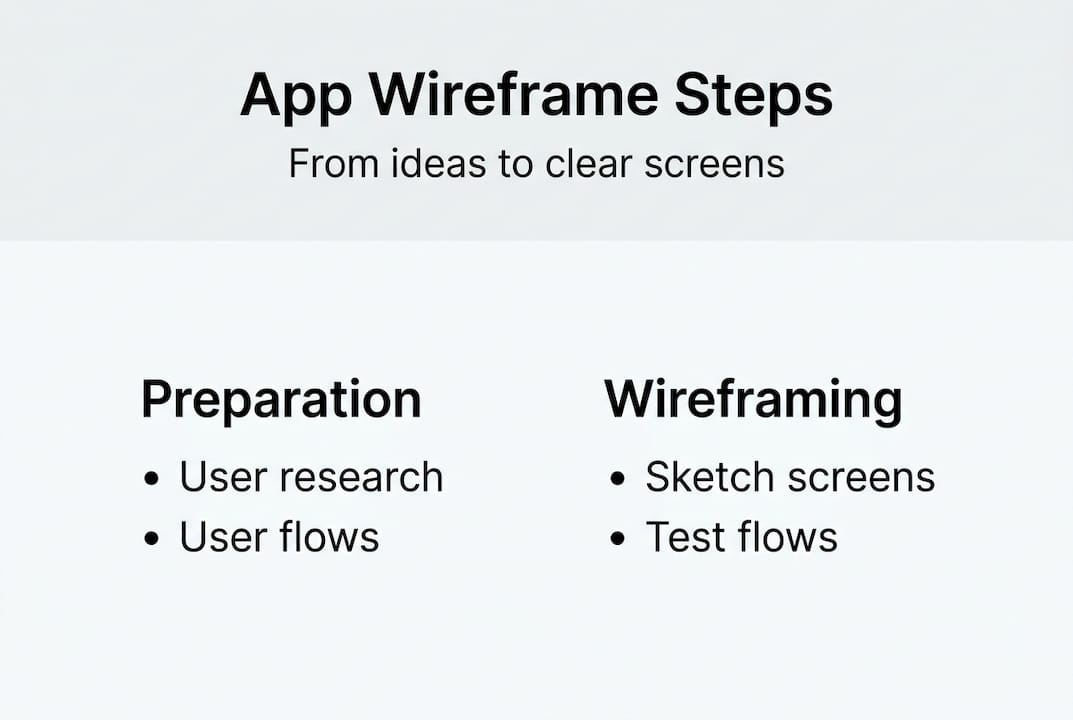
With preparation done, the actual wireframing process becomes far more straightforward. The core methodology for creating app wireframes follows a clear, evidence-based sequence:
- Understand your users: Revisit your personas and flows before sketching anything.
- Create user flows: Confirm the journeys are accurate and complete.
- Sketch low-fidelity wireframes: Use pen and paper or a whiteboard. Speed matters here, not polish.
- Digitise your sketches: Move into a tool to create cleaner, shareable versions.
- Add placeholders and annotations: Label every element. Explain interactions, content rules, and logic in notes.
- Review and iterate: Share with your team and collect structured feedback.
- Plan states and micro-interactions: Map loading, empty, and error states for each screen.
- Prepare for handoff: Organise files, link to prototypes, and document everything developers need.
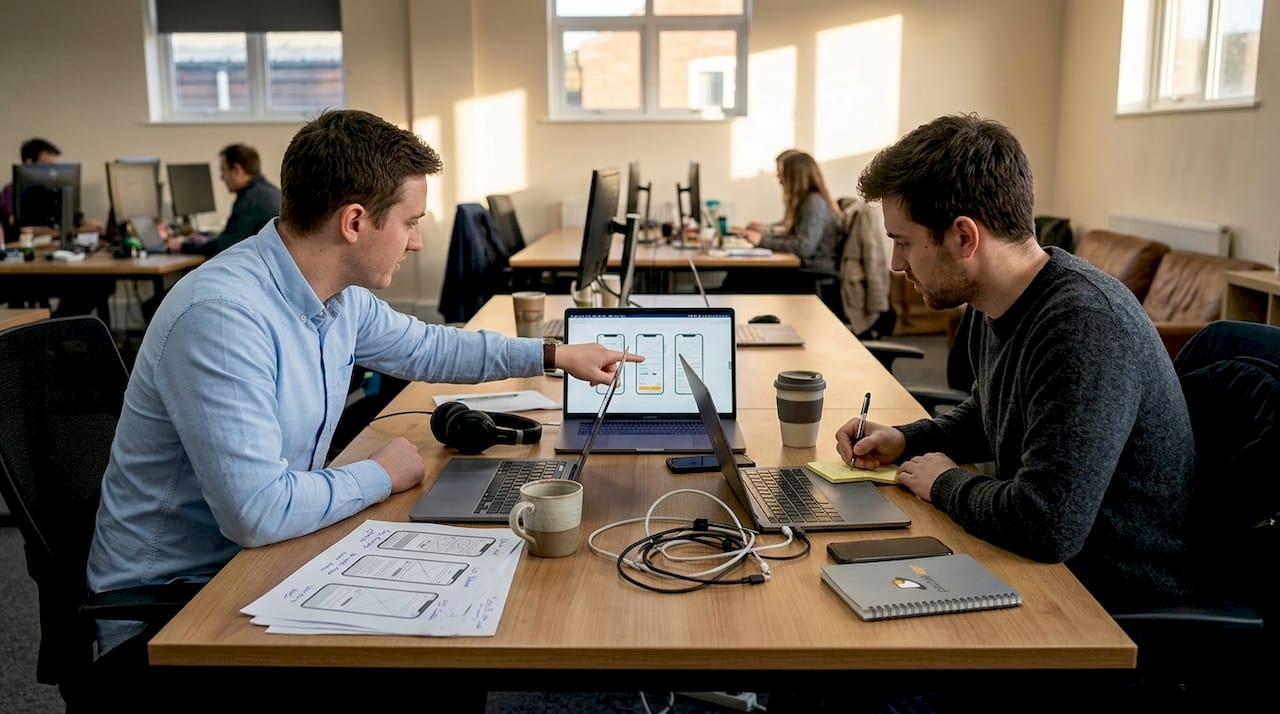
Choosing the right tool matters. Low-fi tools like Balsamiq, Figma, and Miro are preferred for early wireframing because they discourage over-investment in visual detail too soon.
| Tool | Best for | Fidelity level | Collaboration |
|---|---|---|---|
| Balsamiq | Rapid low-fi sketching | Low | Limited |
| Figma | Full design and handoff | Low to high | Excellent |
| Miro | Team workshops and flows | Low | Excellent |
| Mockflow | Structured wireframe libraries | Medium | Good |
| Axure | Logic-heavy, interactive prototypes | High | Moderate |
One nuance worth noting: not every project needs eight steps. Smaller feature updates or tight-deadline sprints can move faster, but the principle of sketching before coding still applies. The pre-design wireframing steps we follow at Pocket App always include at least a rough sketch phase, regardless of project size. Skipping it entirely is rarely the time-saver it appears to be.
While following these steps is crucial, effective wireframes also cover scenarios beyond the ideal user journey.
Don't skip edge cases: states, errors, and robust wireframes
Most wireframes show the happy path: the user opens the app, everything works, they complete their task. But real users do not always follow the happy path. They lose connectivity. They enter invalid data. They abandon a form halfway through and return later. Edge cases and error states should be part of wireframing from the earliest stages to create robust apps.
Edge cases are scenarios outside the expected, normal flow. In mobile app wireframing, they include anything that can go wrong or deviate from the ideal sequence. Ignoring them at the wireframe stage means developers either make arbitrary decisions later or build screens that leave users stranded.
Pro Tip: For each core screen in your wireframe, ask "what if X goes wrong here?" before moving on. This single question surfaces the majority of edge cases before they become expensive development problems.
Common edge cases that wireframes frequently miss:
- No data states: What does the screen look like when there is nothing to display yet?
- Failed permissions: What happens when a user denies camera or location access?
- Partial submissions: What if a user completes half a multi-step form and closes the app?
- Loading and failure states: What does the screen show while content loads, or if it fails to load?
- Save-and-return flows: Can users pick up where they left off, and does the wireframe show how?
The role of prototyping later in the process becomes much smoother when edge cases are already mapped in wireframes. Developers have clear guidance, and QA teams have documented expectations to test against. Expert views on edge cases argue, compellingly, that edge cases are not exceptions but the main journey for a significant portion of your users.
Thorough wireframes include both the main paths and every possible edge scenario. The final step is honing and handing off your work for actual development.
Iterate, test, and handoff: validating your wireframes
A wireframe that has never been questioned is a wireframe that has not done its job. Iteration and team feedback are core to a robust wireframing process. Here is how to do it effectively:
- Share with your core team first: Walk developers and designers through the wireframes in a structured session. Note questions and confusion points.
- Collect and prioritise feedback: Use a simple log. Label feedback as structural (must fix), clarity (should fix), or preference (consider).
- Test with real users: Even five users reviewing a clickable wireframe will surface usability issues that internal teams miss.
- Iterate rapidly: Update wireframes based on prioritised feedback, not every opinion. Aim for two to three rounds before sign-off.
- Prepare for handoff: Add detailed annotations, link to your prototyping guide, and document component behaviour clearly.
For handoff specifically, wireframing handoff processes recommend including a style guide reference, interaction notes, and links to any interactive prototypes. Developers should be able to build from your documentation without needing to ask basic questions.
Pro Tip: Resist the urge to make wireframes look polished. A clean, pixel-perfect wireframe often discourages honest feedback because reviewers assume decisions are already final. Rough is better. User feedback iteration tips consistently show that lower-fidelity artefacts generate more candid, useful responses from both users and stakeholders.
Now you have a full process for robust wireframing, let's consider a fresh viewpoint often overlooked in daily practice.
Why wireframing is a mindset, not just a deliverable
After working across design stage lessons on hundreds of projects, we have noticed something consistent: the teams that produce the strongest apps do not treat wireframing as a box to tick. They treat it as a way of thinking.
Wireframing is less about producing tidy diagrams and more about creating shared clarity under uncertainty. The diagram is the by-product. The real value is the conversation, the disagreement resolved before it becomes expensive, and the assumption surfaced before it becomes a bug.
Even the most experienced product managers and designers benefit from starting ugly. A rough sketch on paper forces you to commit to a structure without the distraction of aesthetics. It is humbling, and that humility is productive. Teams that insist on polished wireframes from day one often spend more time defending their layouts than improving them.
The best PMs we work with treat wireframing as ongoing thinking. They sketch during calls, revisit flows when new information arrives, and never consider the wireframe truly finished until the app ships. That approach produces better products. It is not a methodology. It is a habit.
Need expert support for your next app project?
Wireframing well takes experience, the right tools, and a clear process. If your team is planning a new mobile application and wants to get the foundations right from day one, professional guidance makes a measurable difference.

At Pocket App, our design team brings deep expertise in mobile app design services and the full development of mobile apps, from initial wireframing through to launch and beyond. With over 300 projects delivered for clients including WWF, Dechra, and Crocus, we know what it takes to move from a blank canvas to a robust, user-focused product. Get in touch with our team to discuss your next project and find out how we can support your wireframing and design process from the start.
Frequently asked questions
What exactly is an app wireframe?
An app wireframe is a low-fidelity visual blueprint that outlines the structure and flow of screens and content before detailed design or development begins. It focuses on layout and hierarchy, not colour or visual style.
Which tools are best for creating app wireframes?
Top wireframing tools include Balsamiq for rapid sketching, Figma for full design workflows, Miro for collaborative sessions, Mockflow for structured libraries, and Axure for logic-heavy interactive projects.
Should edge cases and error states be included in every wireframe?
Yes. Including edge cases early ensures your app handles real-world user behaviour and avoids costly rework during development or after launch.
How do you test and validate wireframes?
Iterative feedback from both team members and real users is the most reliable validation method. Share wireframes early, collect structured feedback, and iterate before handing off to developers.