
TL;DR:
- Effective nonprofit mobile app security relies on layered technical controls, governance policies, and operational practices to protect sensitive data from unauthorized access and loss. Implementing multi-factor authentication and role-based access controls significantly reduces risk, while secure storage, encrypted transmission, and vendor audits ensure data integrity and privacy. Ongoing maintenance, such as regular reviews, staff training, and backup testing, is essential for long-term resilience against evolving threats.
Effective data security for nonprofit mobile apps is defined as the set of technical controls, governance policies, and operational practices that protect donor records, payment data, and organisational information from unauthorised access or loss. The stakes are high: nonprofit apps handle payment flows now subject to PCI DSS 4.0 compliance as of March 2025, while threats like phishing, credential stuffing, and data leakage via third-party SDKs grow more sophisticated each year. The good news is that a structured approach, starting with multi-factor authentication (MFA) and secure data storage, then extending to vendor audits and backup resilience, delivers significant risk reduction even on a constrained budget.
1. Data security tips for nonprofit apps: start with authentication
Authentication is the single highest-impact control available to any nonprofit IT team. MFA blocks 99.9% of automated credential attacks according to Microsoft, which makes it the most cost-effective security investment a nonprofit can make. Deploying it across every staff account, volunteer portal, and admin panel should be the first item on your implementation list.
When choosing your MFA method, the type matters as much as the presence of it:
- Authenticator apps (such as Google Authenticator or Microsoft Authenticator) are strongly preferred over SMS codes, which are vulnerable to SIM-swapping attacks.
- Hardware security keys (such as YubiKey) offer the strongest protection for high-privilege accounts like system administrators and finance staff.
- SMS-based MFA is acceptable as a last resort but should be phased out wherever possible.
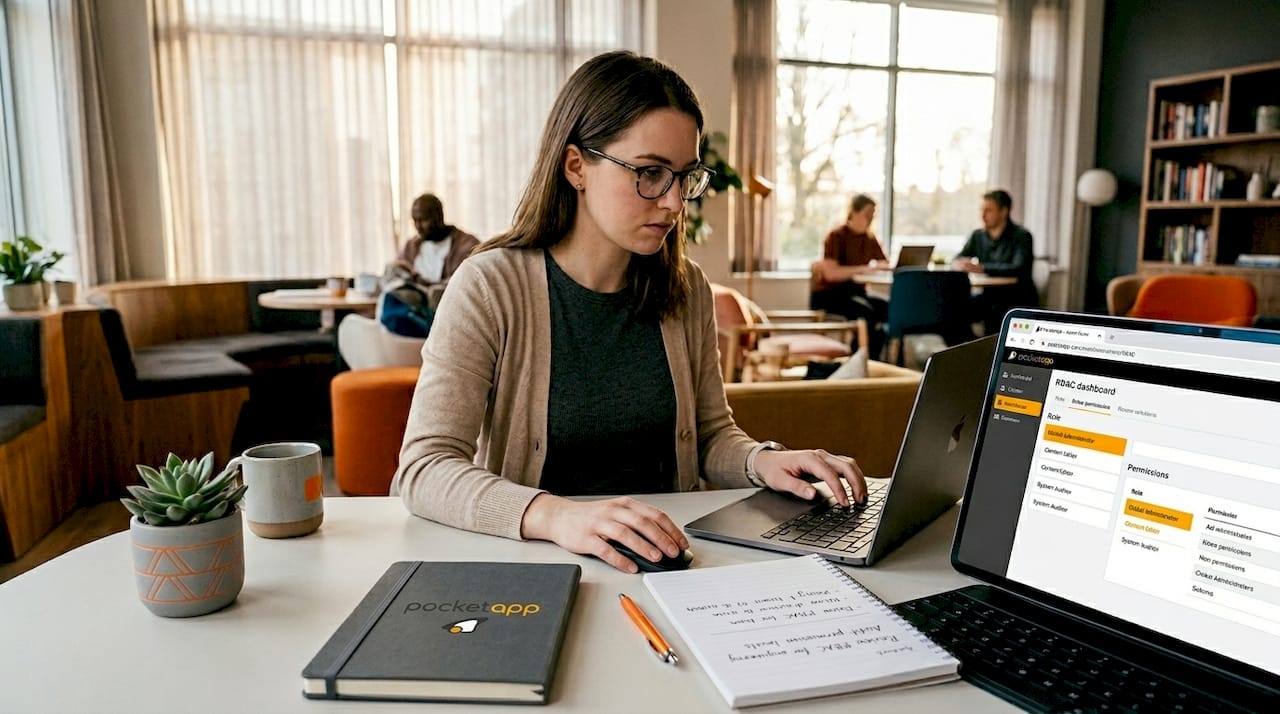
Beyond MFA, role-based access controls (RBAC) limit what each user can see and do within the app. A fundraising coordinator does not need access to payroll records; a volunteer coordinator does not need access to donor payment history. Conduct quarterly access reviews to revoke permissions for staff who have changed roles or left the organisation.
Session and token management is a common architectural failure in mobile apps. Strict token lifecycle management and backend validation are necessary because a successful mobile login does not guarantee the backend is enforcing the same access rules. Treat your mobile app and its backend as one connected threat surface, not two separate systems.
Pro Tip: Never hardcode credentials, API keys, or secrets directly into your app's source code. Use environment variables or a secrets management service such as AWS Secrets Manager or HashiCorp Vault instead.
2. Securing data storage and transmission
Data at rest and data in transit represent two distinct attack surfaces, and both require explicit controls in any secure nonprofit application.
For data at rest, encrypt all sensitive information using AES-256 or an equivalent standard. More specifically, use the platform's native secure storage rather than general-purpose file storage:
| Storage type | Security level | Recommended use |
|---|---|---|
| iOS Keychain | High | Credentials, tokens, PII |
| Android Keystore | High | Credentials, tokens, PII |
| SharedPreferences (Android) | Low | Non-sensitive preferences only |
| NSUserDefaults (iOS) | Low | Non-sensitive preferences only |
| External files or logs | Very low | Never store sensitive data here |
Insecure storage locations such as unencrypted SharedPreferences, SQLite databases without encryption, and application logs are among the most frequently exploited weaknesses in mobile apps. This matters because a lost or stolen device can expose every record stored in those locations without any network attack required.
For data in transit, enforce TLS 1.2 as a minimum, with TLS 1.3 preferred. Disable older protocols entirely and implement certificate pinning for high-sensitivity API calls to prevent man-in-the-middle interception. Never log request or response bodies that contain personally identifiable information (PII) or payment card data.
Automated static analysis tools can identify many insecure storage patterns quickly, but manual verification is required to confirm and contextualise findings before making risk decisions. Automated scans produce false positives; a developer reviewing the flagged code in context will catch what the scanner misses.
Pro Tip: After every app update, re-audit your storage locations. New features frequently introduce new data-handling code, and that code may not follow the same secure patterns as the original build.
3. Managing vendor and third-party SDK risks
Third-party SDKs are one of the most underestimated data leakage vectors in nonprofit mobile apps. An analytics SDK, a crash-reporting library, or a social login integration can silently transmit donor data to external servers if it is not properly vetted. Auditing all third-party SDKs with dynamic network inspection is the standard method for detecting whether sensitive data is leaving your app without authorisation.
A practical vendor risk process looks like this:
- Inventory every SDK currently embedded in the app, including version numbers and the vendor's privacy policy.
- Cross-reference against the NVD/CVE database to identify known vulnerabilities in the versions you are running.
- Compare data collection practices against your organisation's privacy policy and any donor consent agreements.
- Require SOC 2 Type II certification (or equivalent) from CRM vendors, payment processors, and any platform storing donor records.
- Audit payment processors for PCI DSS 4.0 compliance, which became mandatory in March 2025 for any organisation processing credit-card donations.
The comparison below illustrates how vendor certification requirements differ by risk level:
| Vendor type | Minimum certification | Why it matters |
|---|---|---|
| Payment processor | PCI DSS 4.0 | Handles cardholder data directly |
| CRM / donor database | SOC 2 Type II | Stores PII and giving history |
| Analytics SDK | Privacy policy review | May collect device or behavioural data |
| Push notification service | SOC 2 Type II | Accesses device tokens and user IDs |
Encryption alone is insufficient without access control and audit logging to detect unusual or bulk data access. A vendor with weak access controls can expose your donor records even if your own app is perfectly secured.
Pro Tip: Maintain an approved SDK list and require a security review before any new library is added to the codebase. This prevents developers from introducing unvetted dependencies under time pressure.
4. Building ransomware resilience through backup strategy
Ransomware is no longer a threat that only large enterprises face. Nonprofits are targeted precisely because they often lack dedicated security teams and hold sensitive donor and beneficiary data that creates pressure to pay. The architectural answer is a backup strategy that makes recovery possible without paying a ransom.
CISA's Stop Ransomware guidance recommends immutable, offline, and geographically separated backups as the foundational controls for ransomware resilience. Immutable backups cannot be modified or deleted by ransomware even if the attacker gains admin credentials. Offline copies are physically disconnected from the network and therefore unreachable by malware. Geographic separation protects against site-level disasters.
The 3-2-1 rule (three copies, two different media types, one offsite) is the baseline. In 2026, the extended version adds two further requirements: at least one immutable copy and at least one copy that is completely air-gapped from your production environment.
Backup integrity testing must include validation in isolated environments and comparison of backup creation time against the earliest known attacker activity. An unverified backup risks perpetuating ransomware impact if the backup itself was created after the attacker had already encrypted or poisoned the data. Test restores quarterly, not annually.
Recovery prioritisation also matters. Restore identity infrastructure first (Active Directory, MFA systems), then critical apps, then end-user devices. A documented and tested incident response plan, rehearsed through tabletop exercises at least twice a year, is the difference between a two-day recovery and a two-week crisis.
Pro Tip: Store your incident response plan in a location that is accessible even when your primary systems are offline. A printed copy in a secure physical location is not outdated thinking; it is practical resilience.
5. Operational hygiene and ongoing maintenance
Security is not a project with a completion date. Effective mobile app security blends technical controls with governance workflows to maintain ongoing risk management rather than delivering one-time fixes. The following operational steps keep nonprofit apps secure between major development cycles:
- Monthly app reviews. Check for updates to all installed apps on staff and volunteer devices. Apps removed from Google Play stop receiving security updates but remain installed until manually removed. Set a monthly calendar reminder to audit devices and uninstall anything unpatched or no longer supported.
- Regular phishing training. Simulated phishing tests run monthly keep staff alert and measurably reduce successful attacks. Combine simulations with short training sessions covering AI-generated phishing, which is increasingly difficult to distinguish from legitimate communications.
- Incident reporting workflows. Staff need a clear, low-friction process for reporting suspected data exposures. If reporting feels complicated or punitive, incidents go unreported and response is delayed.
- Conditional access and audit logging. Monitor for unusual data access patterns, such as bulk exports at unusual hours or access from unrecognised devices. Audit logs are only useful if someone reviews them on a regular schedule.
- Continuous monitoring alignment. Align your security controls to a three-part operational model: visibility (knowing what is in your environment), governance (policies and ownership), and continuous monitoring (automated alerts and human review). This framework scales with your organisation as it grows.
For nonprofits building or updating apps, nonprofit app design workflows that embed security requirements from the discovery phase prevent costly retrofitting later.
Pro Tip: Assign a named owner to each security control, not just a team. When a control has a named individual responsible for it, it gets maintained. When it belongs to "IT", it often does not.
Key takeaways
Protecting donor data in nonprofit mobile apps requires layered controls across authentication, storage, vendor management, backup architecture, and operational hygiene, applied continuously rather than once.
| Point | Details |
|---|---|
| MFA is the highest-impact control | Deploy authenticator apps or hardware keys across all accounts before addressing other controls. |
| Use platform-native secure storage | iOS Keychain and Android Keystore protect sensitive data; SharedPreferences and logs do not. |
| Audit every third-party SDK | Dynamic network inspection reveals whether SDKs are transmitting donor data to external servers. |
| Test backups in isolation | Unverified backups may contain ransomware; always validate restores in a separate environment. |
| Assign named owners to controls | Security controls maintained by a named individual are far less likely to lapse than those owned by a team. |
Why nonprofits cannot afford to treat security as a one-time project
Having worked with organisations across the charity and nonprofit sector, I have seen the same pattern repeat itself. A nonprofit invests in a well-built app, launches it successfully, and then treats security as something that was "done" at launch. Eighteen months later, a vendor SDK update introduces a data leakage issue, or a staff member's account is compromised because MFA was never enforced on volunteer-facing portals.
The organisations that avoid serious incidents share one characteristic: they treat security as an operational discipline, not a development phase. They run mock phishing simulations. They review access permissions when staff leave. They test their backups. None of these activities require a large budget; they require ownership and consistency.
My practical advice is to sequence your investment. Start with MFA and RBAC because they deliver the greatest risk reduction per pound spent. Then address data storage and encryption. Then audit your vendor ecosystem. Budget constraints are real, but this sequence means that even a partially implemented programme provides meaningful protection.
The choice of a cloud-based CRM platform with enterprise-grade security, such as Salesforce Nonprofit or Microsoft Dynamics 365, acts as a force multiplier. You inherit their security investment rather than building equivalent controls from scratch. That is a genuinely significant advantage for a lean IT team.
The uncomfortable truth is that most nonprofit data breaches are not sophisticated attacks. They are the result of missing MFA, unpatched apps, or an unreviewed vendor with weak access controls. Fix the basics with discipline, and you remove the vast majority of your risk.
— Paul
How Pocketapp builds security into nonprofit mobile apps
Pocketapp has delivered over 300 mobile app projects, including apps for organisations like WWF, with data privacy best practices embedded from the discovery phase rather than bolted on at the end. If your nonprofit is planning a new app or reviewing the security of an existing one, the architecture decisions made at the start determine how defensible the finished product is.

Pocketapp's team works with nonprofit clients to align mobile app architecture with PCI DSS 4.0, GDPR, and OWASP Mobile Security standards, covering authentication design, secure storage patterns, and vendor risk assessment. Speak to the team about nonprofit mobile app development tailored to your organisation's security requirements and budget. Contact Pocketapp to arrange a consultation.
FAQ
What is the most effective single security control for nonprofit apps?
Multi-factor authentication is the highest-impact control available. Microsoft data shows MFA blocks 99.9% of automated credential attacks, making it the most cost-effective security measure a nonprofit can deploy.
Which data storage methods are unsafe in mobile apps?
Unencrypted SharedPreferences on Android, NSUserDefaults on iOS, unencrypted SQLite databases, external files, and application logs are all insecure storage locations. Use iOS Keychain or Android Keystore for any sensitive data including credentials, tokens, and PII.
Does PCI DSS 4.0 apply to nonprofits?
Yes. PCI DSS 4.0 became mandatory in March 2025 for any organisation processing credit-card donations, including nonprofits. This means payment processors and CRM vendors must be audited for compliance.
How often should nonprofits test their backups?
Backup restores should be tested quarterly in isolated environments. Backups must also be validated against the earliest known attacker activity to confirm they predate any ransomware infection, as poisoned backups can perpetuate an incident rather than resolve it.
How can nonprofits reduce third-party SDK risks?
Maintain an approved SDK list, cross-reference all SDKs against the NVD/CVE database for known vulnerabilities, and use dynamic network inspection to detect whether any SDK is transmitting sensitive data externally. Require SOC 2 Type II certification from vendors handling donor records.